Up to 4 tickers, drawn as lines that start together at the left edge of the chart, so you see which one moved more (in %).
Turn your phone sideways for a wider chart.
Times in UTC · prices: bidHow to use the chart
Zoom and scroll: drag the chart left or right (finger or mouse) to move in time, with empty room on the right for drawing ahead; Shift + drag selects a period to zoom into, Ctrl + scroll zooms, the + − ‹ › buttons work too. ⟲ or a double-click returns to the latest candles.
Price scale: ↕+ stretches the candles, ↕− flattens them and leaves room above and below for drawings; or drag the price scale on the right up or down (mouse wheel over it works too). ⟲ or a double-tap on the price scale goes back to automatic.
Indicators: press Indicators, pick one; press ⚙ on its chip to change the settings, × to remove it.
Drawing: press Draw, pick a tool and click its points on the chart (or press and drag). On a phone: touch the chart, slide your finger to aim (a magnifier above your finger shows the exact point and its price), lift to place. Click or tap a drawing to select it, then drag it or its handles; Delete removes it, Ctrl + Z undoes, Esc cancels. Magnet snaps to the candles.
Save and alerts: sign in to save an analysis to your account and to get e-mail price alerts. Without an account, indicators and drawings stay on this device.
Replay: Replay, then click a candle (or pick a date): the later candles disappear and ▶ Play brings them back one by one (→ steps, Space plays and pauses). Practise trading on the way with Trade.
Paper trading: Trade buys or sells with virtual money at the live price; stop loss and take profit lines can be dragged on the chart.
Publish an idea: Publish shares this chart (drawings, indicators, period and a picture) with your reasoning and a direction (long, short or neutral) on Ideas; you can attach a strategy anyone can test.
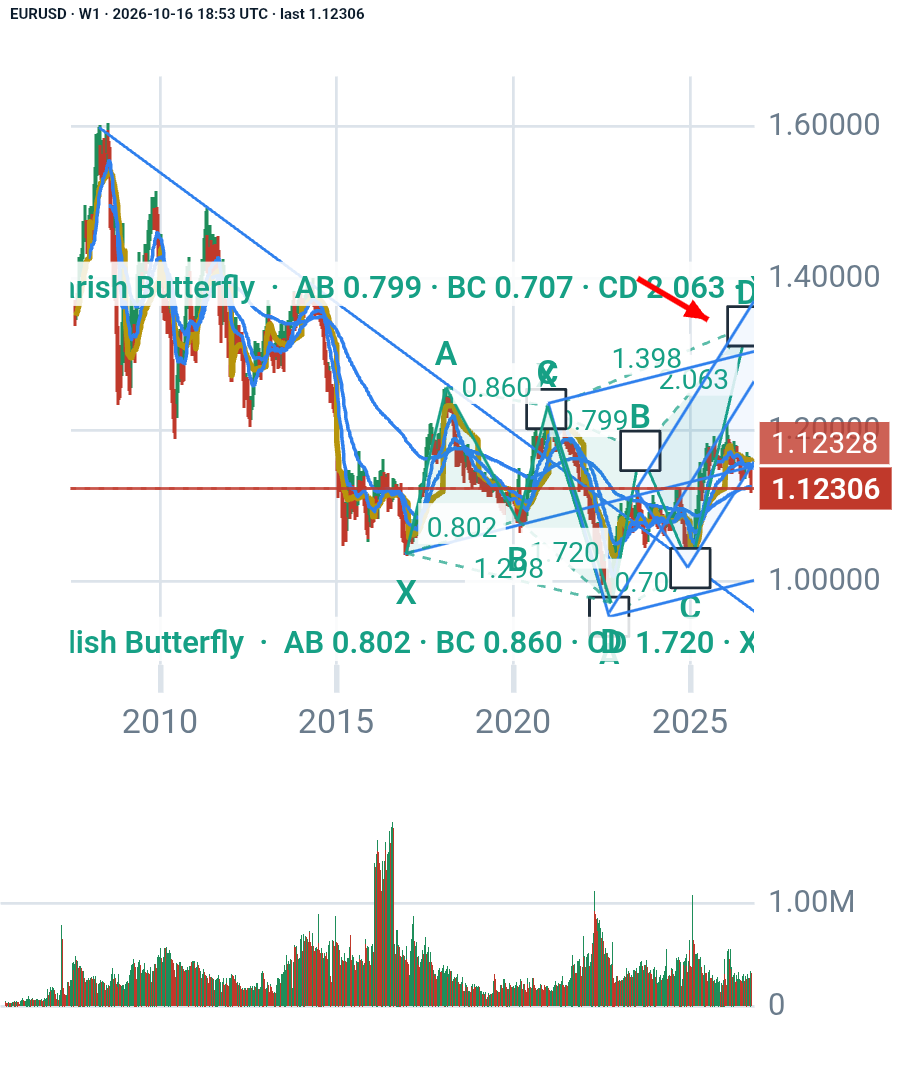
Pattern wizard: ✦ Wizard scans the candles of the timeframe on screen for harmonic patterns (with the zone where point D should complete), Elliott waves, head and shoulders, double tops and bottoms, triangles and wedges, support and resistance and trend lines. Each finding shows the rules it passed, a suggested entry, stop loss and take profits with the risk/reward, and can be shown on the chart or kept as your own drawing. It also suggests indicators that suit the market right now.
Strategy tester: Strategy tests a built-in strategy (moving averages, RSI, Bollinger Bands, MACD, breakouts, SuperTrend) or your own script on past candles: trades appear on the chart, with profit, drawdown, win rate and an equity curve. Edit a copy of any built-in to start your own.
Compare: Compare adds up to 4 other tickers as lines starting together at the left edge, with their % change.
Ask AI: ✦ Ask AI sends a summary of the drawings you tick (prices, times, levels, targets, indicators) to ChatGPT, Claude, Perplexity, Gemini or DeepSeek for a second opinion.
Full screen: the Full screen button (or F) gives the chart the whole screen; Esc leaves it.
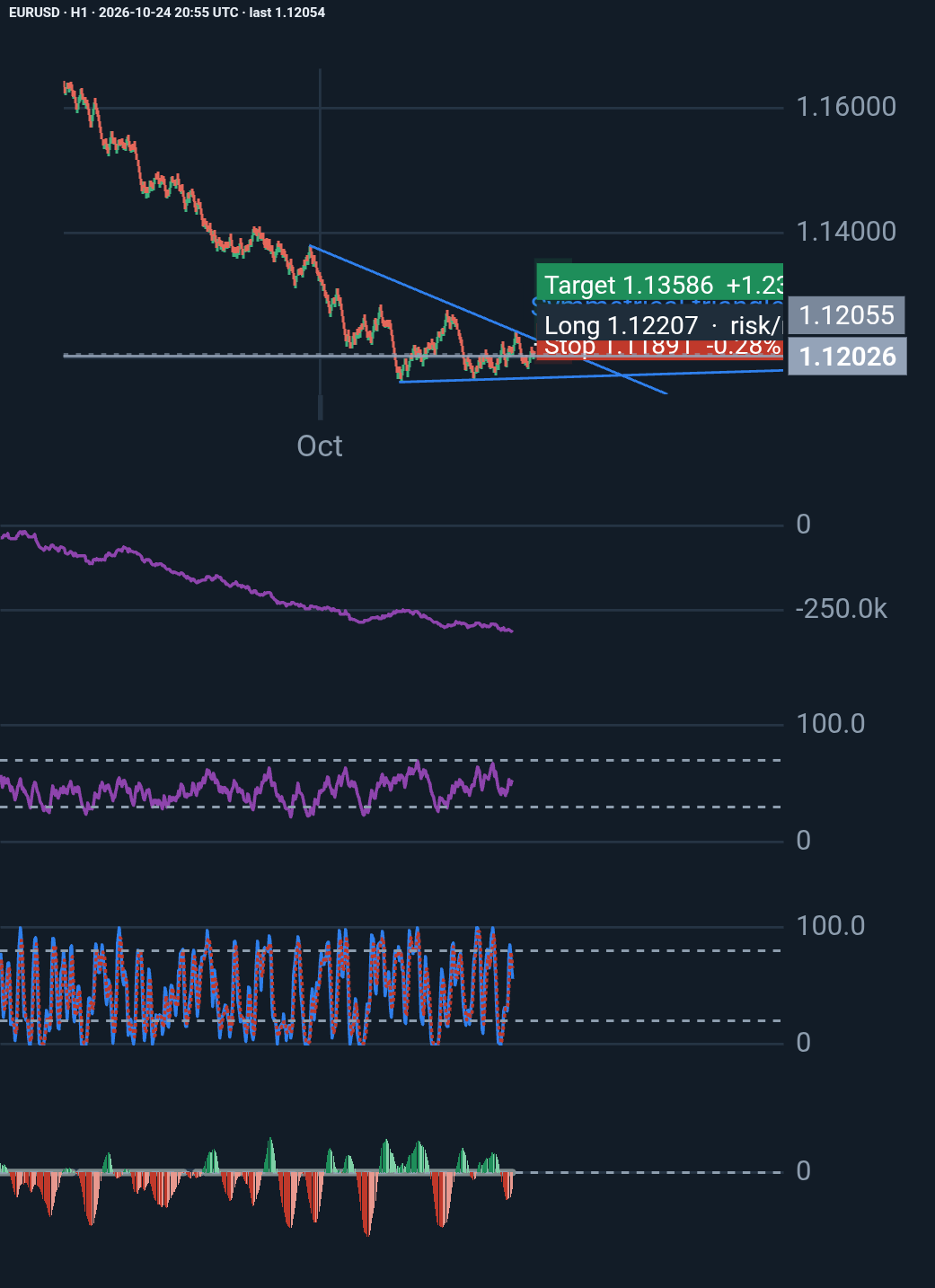
Technical analysis is not just about spotting patterns. It is about understanding the conditions behind them, defining risk, and knowing when a trade thesis is no longer valid.
Wh…
Price since published: -0.68% · in the idea's favour
All EURUSD ideas · draw your own analysis above and press Publish.
EURUSD market summary
EURUSD is the price of one EUR in USD. EURUSD (Euro vs US Dollar) last closed at 1.11543 on 26 October 2026, down 0.18% on the day.
Over the last 397 trading days it moved between 1.11119 (13 Oct 2026) and 1.20810 (26 Jan 2026), and it is 7.67% below that high.
On a typical day its price spans about 0.57% from low to high (20-day average), and 42 of the last 90 sessions closed higher; the largest one-day move in that time was 0.88% on 18 Aug 2026.
1 week-0.73%
1 month-2.07%
3 months-2.02%
6 months-4.74%
1 year-4.2%
Since 1 Jan 2026-4.95%
From the daily candles of this page, updated every few minutes. Not investment advice.
from marketapi import MarketAPI          # marketapi.py from /developers
api = MarketAPI("YOUR_API_KEY")
print(api.latest(["EURUSD"]))
import { MarketAPI } from "./marketapi.mjs";   // from /developers
const api = new MarketAPI({ apiKey: process.env.API_KEY });
console.log(await api.latest(["EURUSD"]));
No key yet? Try the free tier: curl "https://api.marketapi.app/v1/free/prices/latest?symbols=EURUSD"
We use cookies for sign-in and security (always on). With your permission we also use Google Analytics and Google Ads cookies to measure visits and the results of our ads. Details